🎯 Single Executions
Execution is an object that will hold information about the task you want to do. This is a object that will contain selected test cases or a test suites you would like to execute.
Executions are split into different execution types:
- Test Executions – executions for tests, test suites and DQ checks.
- Technical Executions – executions of technical tasks like profiling or metadata gathering from DWH.
- DAG Executions – executions of complex workflows.
- Group Executions – templated complex workflows e.g., regression packs.
🧪 Test Execution
To create a test execution:
- Press the ▶️ Play button next to the selected test case, test suite, or requirement.
- Or navigate to Simple Run tab under E2E.


Step-by-Step Creation
-
Fill Execution Metadata
Select:- Task type
- Release (create new via +New)
- Connection (GIT or DWH)
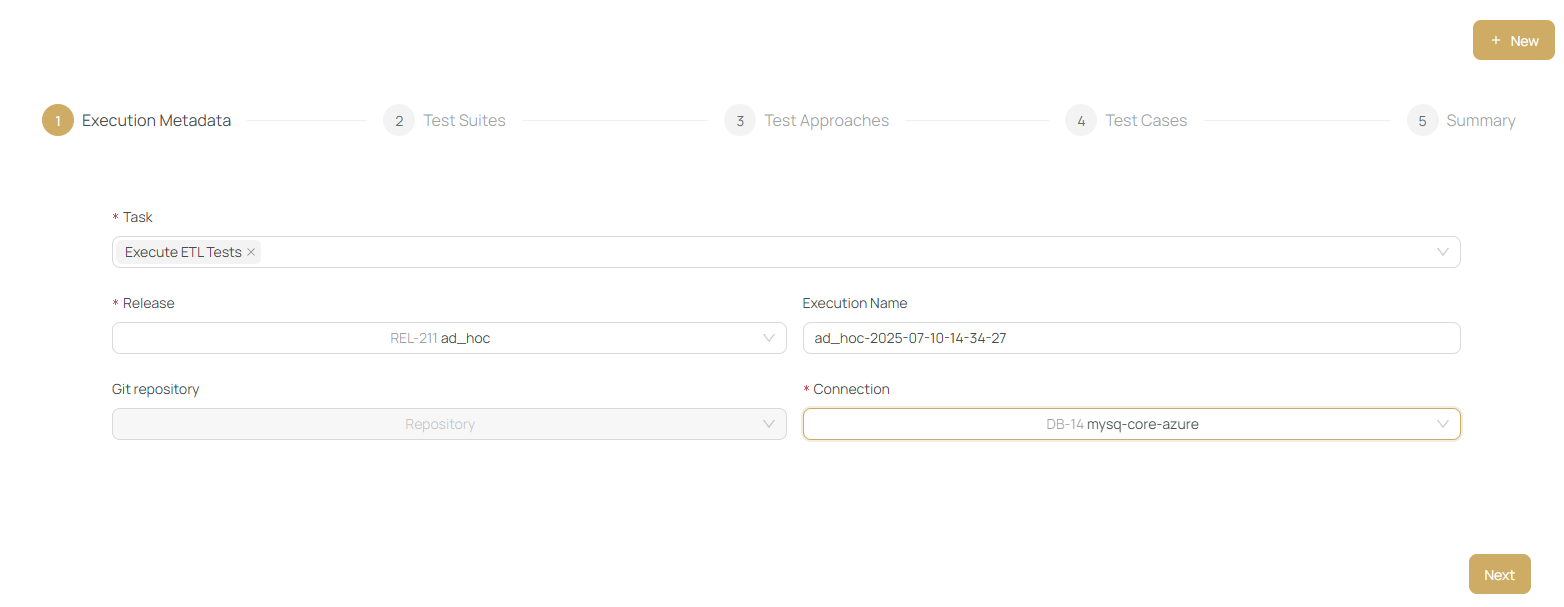
Task types:
- Execute DB tests
- Execute DQ Tests
- Execute Custom tests
- Execute Reconciliation Tests
❗ You cannot mix task types. Use Workflows if needed.
-
Select Test Suites (Optional)
-
Select Test Approaches (Optional)
-
Select Test Cases (Optional)
Any combination of steps 2-4 is valid.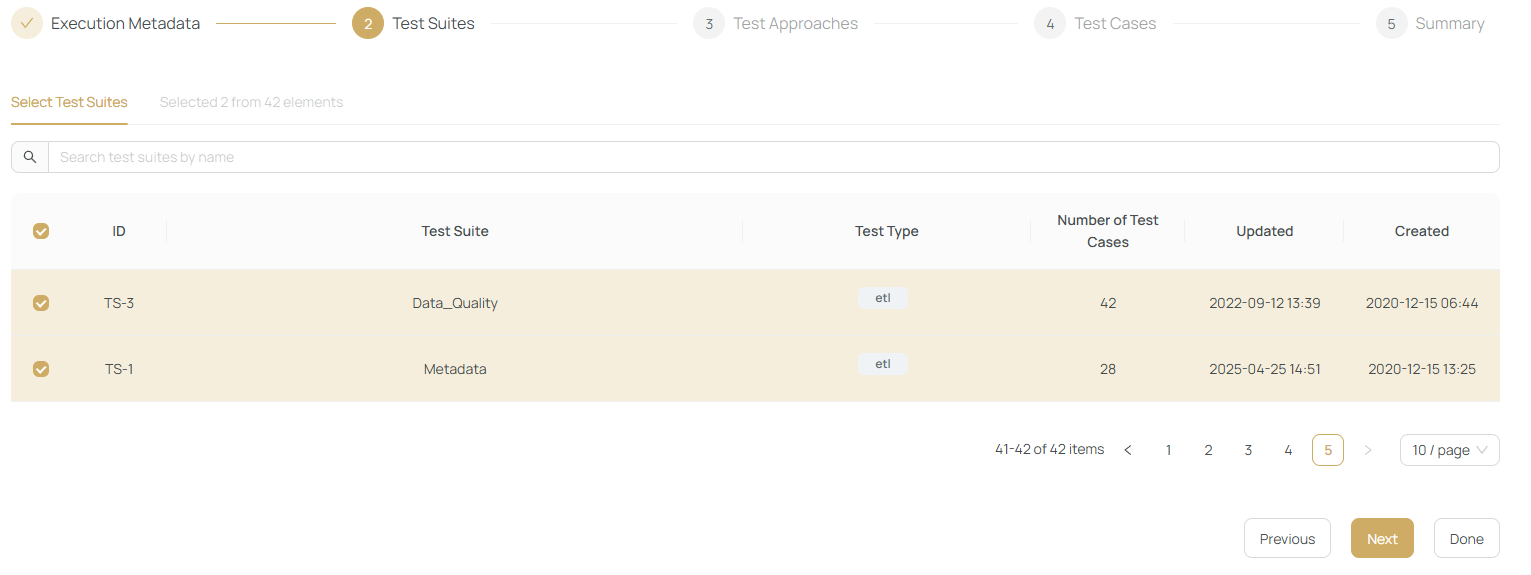
-
Review & Execute
- Set notifications
- Add tags or runtime variables
- Schedule execution
- Store as template (optional)
Click Submit to run.
After submission, you will be redirected to the Results page.
⚙️ Technical Executions
Technical executions are supportive tasks, such as:
- Testing connections (GIT/DWH)
- Metadata gathering
- Profiling
Triggered automatically by clicking related action buttons (e.g., Test Connection).
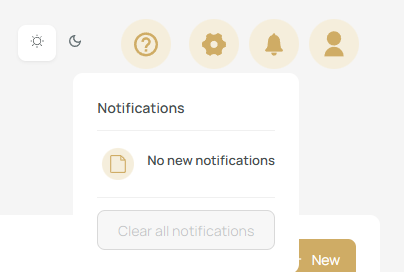
Monitor status in:
📊 DAG Executions
Execute multiple steps in a defined DAG (Directed Acyclic Graph).
Created under the E2E > Workflow tab.
More details: Workflows
🗂️ Group Executions
Highest level of execution, combining:
- Simple Executions
- DAGs
Use it to organize workflows (e.g., regression packs).
More info: Group Executions
Both DAGs and simple executions can be reused as templates or group executions later.