📋 Requirements
Requirements are a crucial part of any software development process.
They describe the business logic that needs to be implemented and tested, acting as a bridge between the business and testing domains.
X-AutoMate enables seamless linking of requirements or backlog items with test cases.
The platform integrates with many popular backlog management tools.
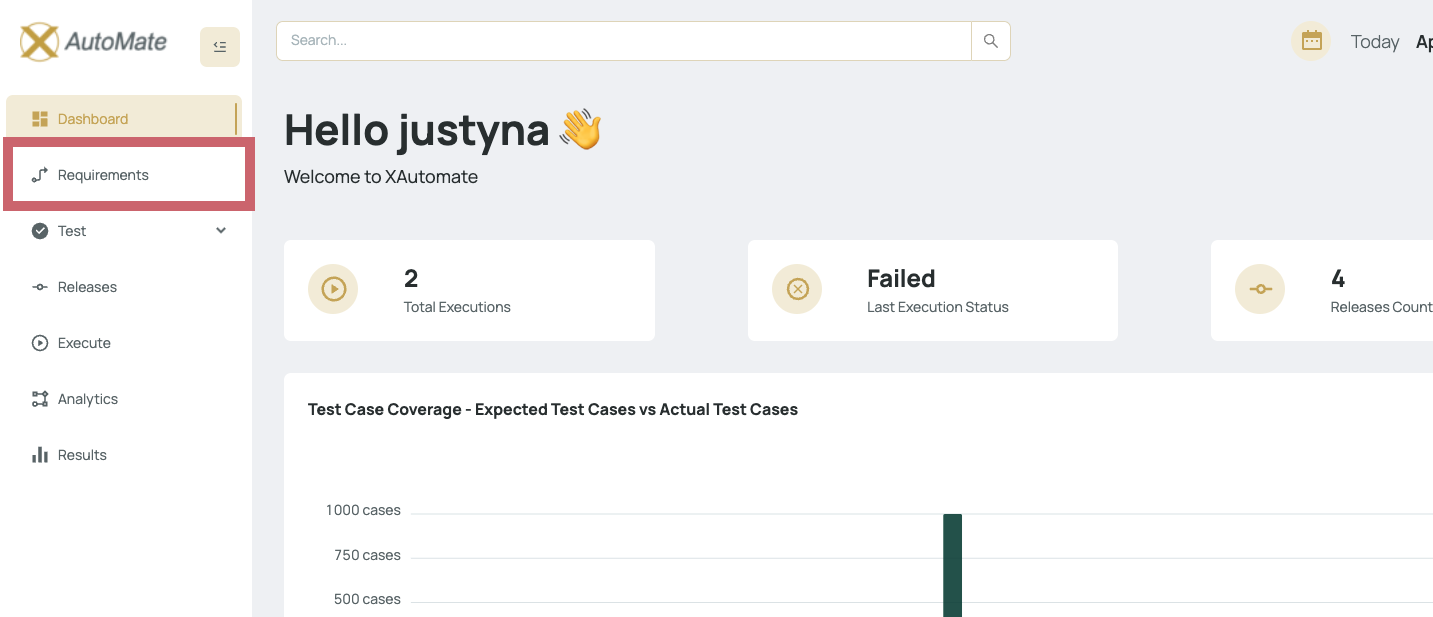
You can access the Requirements view by clicking the "Requirements" button on the main page.
🔍 Requirement Filtering
End users can search and filter requirements based on the following criteria:
- 🆔 Requirement ID (e.g., Azure Backlog ID)
- 📝 Requirement Name
- 🧩 Type (e.g., Bug, User Story, Feature)
- 📌 State (e.g., New, Resolved, Closed)
- ✅ Coverage (whether it’s linked to at least one test case)

🔗 Link / Unlink Requirements
Within the Actions tab, users can:
- 🔗 Link / Unlink requirements (e.g., from Azure DevOps) with test cases in X-AutoMate
- 🌐 Go To External System – open the requirement in the original backlog tool
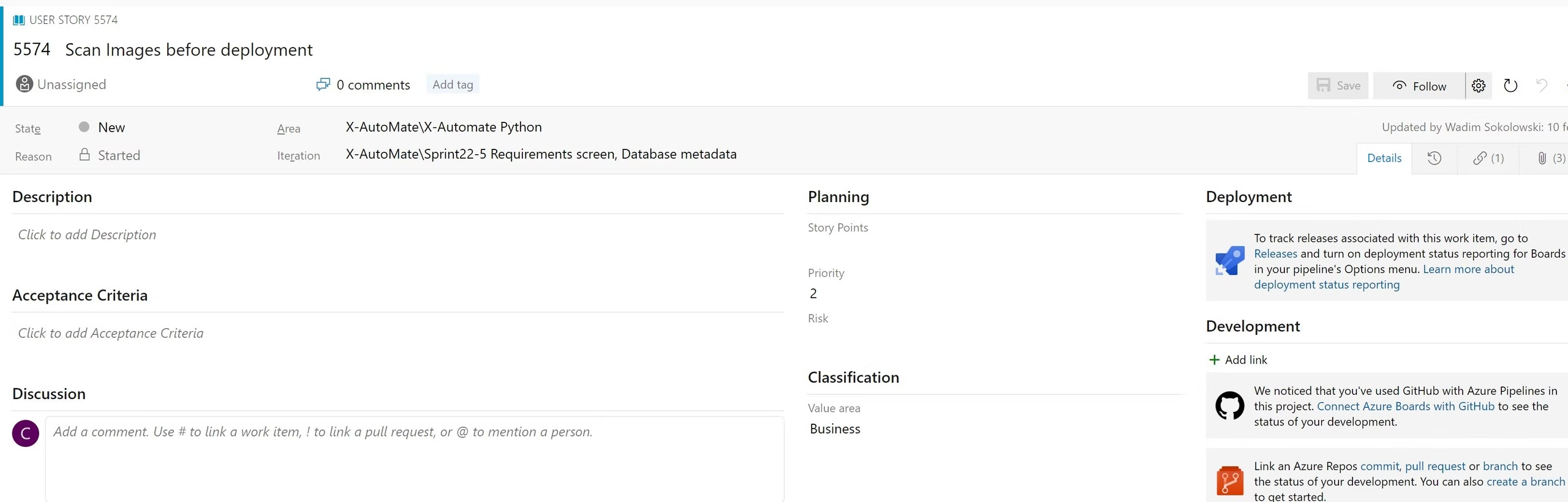
X-AutoMate does not master the requirements or backlog items.
It synchronizes with external tools to ensure accurate, up-to-date requirement coverage.
🔄 Synchronization Behavior
Once a test case is linked to a requirement:
- It is automatically created in the backlog system
- Its test execution results are shared back to the original tool (e.g., Azure DevOps)
This ensures complete traceability between requirements and testing outcomes.