🗃️ Execution Templates
Execution Templates allow you to save commonly used executions so you can quickly re-run them without manually configuring each time. This is especially useful for recurring tests or scheduled regression runs.
📂 Template Types
X-AutoMate supports three types of execution templates:
| Type | Description |
|---|---|
| Simple | Template for a single execution (DB, DQ, Custom, or Reconciliation tests). |
| DAG | Template for a Workflow execution. |
| Group | Template for a Group of executions. |
🛠 Creating a Template
Templates can be created in two ways:
1. From an Execution Page
-
Go to the relevant execution creation screen:
- Simple Execution → Simple Run
- DAG Workflow → Workflow
- Group Execution → New Group Template
-
During configuration, toggle the "Save as Template" switch before submission.

📘 You can refer to the documentation of each execution type for specific configuration steps.
2. From the Templates Page
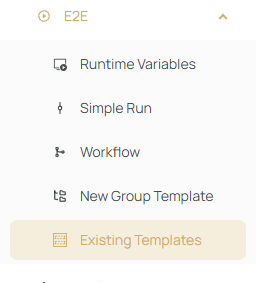
- Navigate to "Existing Templates".
- Click
+ New, and choose the template type you want to create:
Simple, DAG, or Group.
📋 Viewing Templates
Once created, all templates will be visible on the Existing Templates page.
You can:
- Search by name
- Filter by:
- Template type
- Creation date
- Task type
- Notification settings

⚙️ Using Templates
Each template can be:
- ▶️ Executed immediately
- 🕒 Scheduled
- ✏️ Edited
- 🗑️ Deleted
- 📋 Cloned (all except Group templates)
To view more information about a template, click the > expand button.
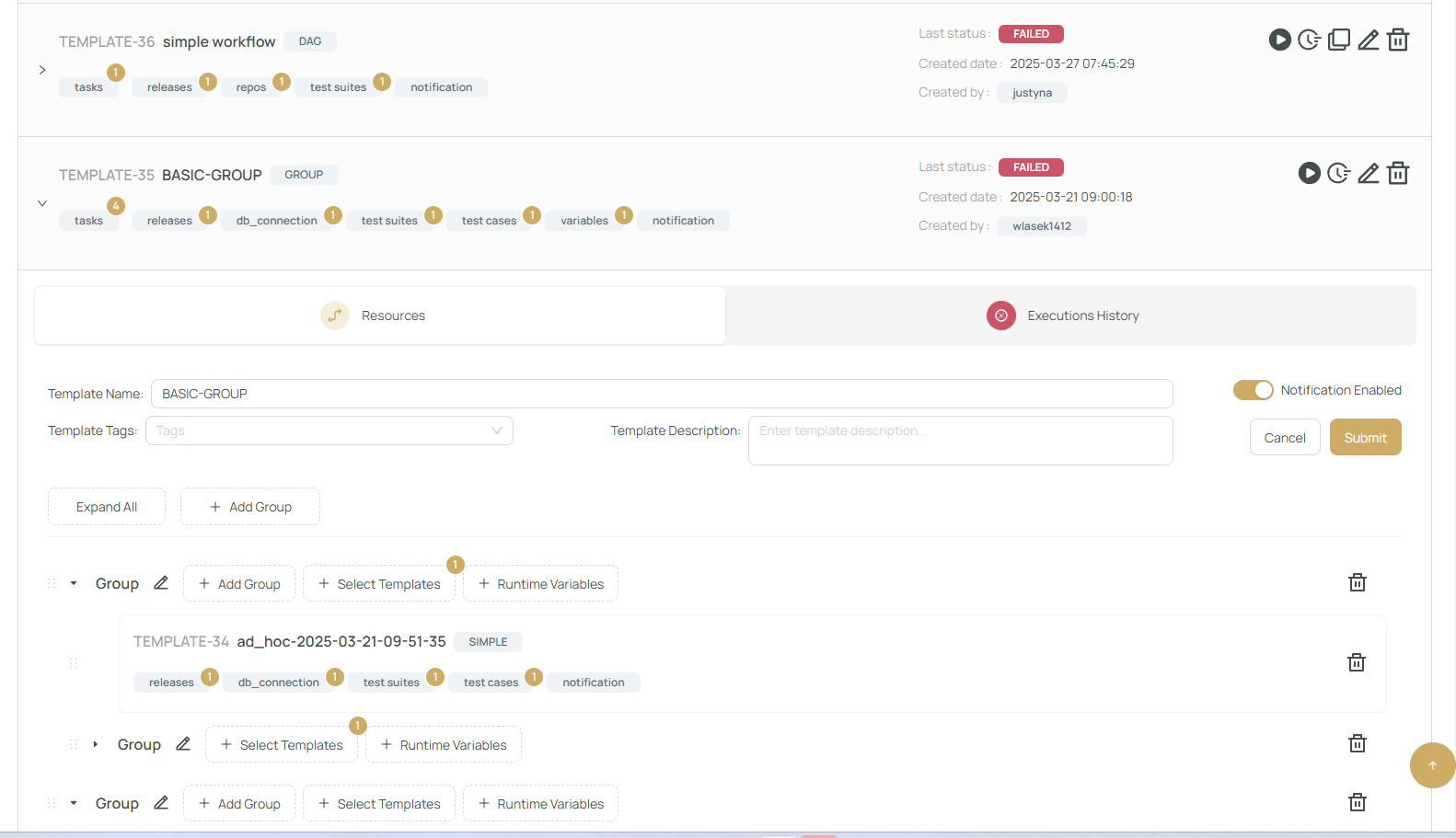
🔁 Cloning templates is helpful when you need a slight variation of an existing setup without recreating it from scratch.
Templates are essential for efficient test execution and orchestration in X-AutoMate. Use them to save time and ensure consistency in your testing process.