📦 Group Executions
Group Execution is the highest level of execution type in X-AutoMate.
Simply put, it allows you to group multiple executions together and run them as one package. Think of it like a folder that can contain other folders or files — this gives you an easy way to organize and manage complex testing pipelines.
A Group Execution can contain:
- Single Execution Templates
- DAG Templates
- Other Subgroups
The main purpose is to execute a set of workflows or test runs in bulk, for example:
🧪 Running 20 DAGs together as part of a regression package.
📌 How to Create a Group Execution
To create a Group Execution, go to:
/e2e/new_group_template
Ensure that all templates (DAGs or Simple Executions) you want to use are already created and visible under the "Existing Templates" page.
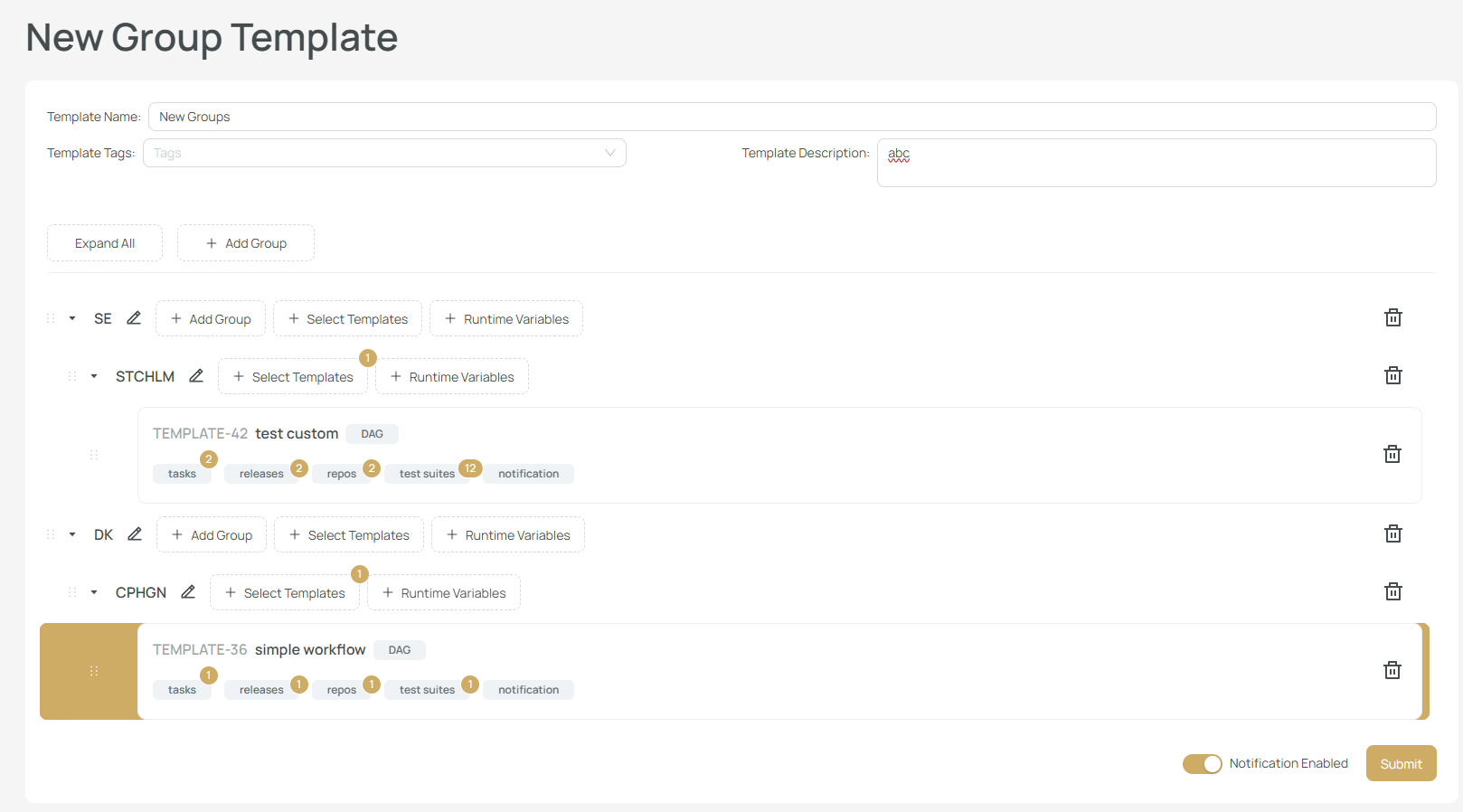
You will need to:
- Provide a name for the group
- Optionally add tags and a description
🛠 Actions During Creation
During group creation, you can:
- ➕ Add Runtime Variables (to group or subgroup)
- 📦 Add Template (Single Execution or DAG)
- 🗂 Add Subgroup (Nested groups)
You can also choose whether to receive notifications after execution.
🧠 You can nest templates up to 2 levels deep:
Main Group
├── Subgroup 1
│ ├── DAG Template A
│ └── DAG Template B
└── Subgroup 2
└── Sub-subgroup with Templates
❌ More than 2 levels of nesting are not allowed.
Once the group is created, you’ll be redirected to the Templates page:
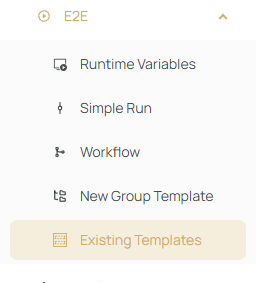
Here, you’ll also see:
- DAG Templates
- Simple Execution Templates
- And your newly created Group Execution Templates
For more about templates, check the Execution Templates page.
