🔐 Authentication
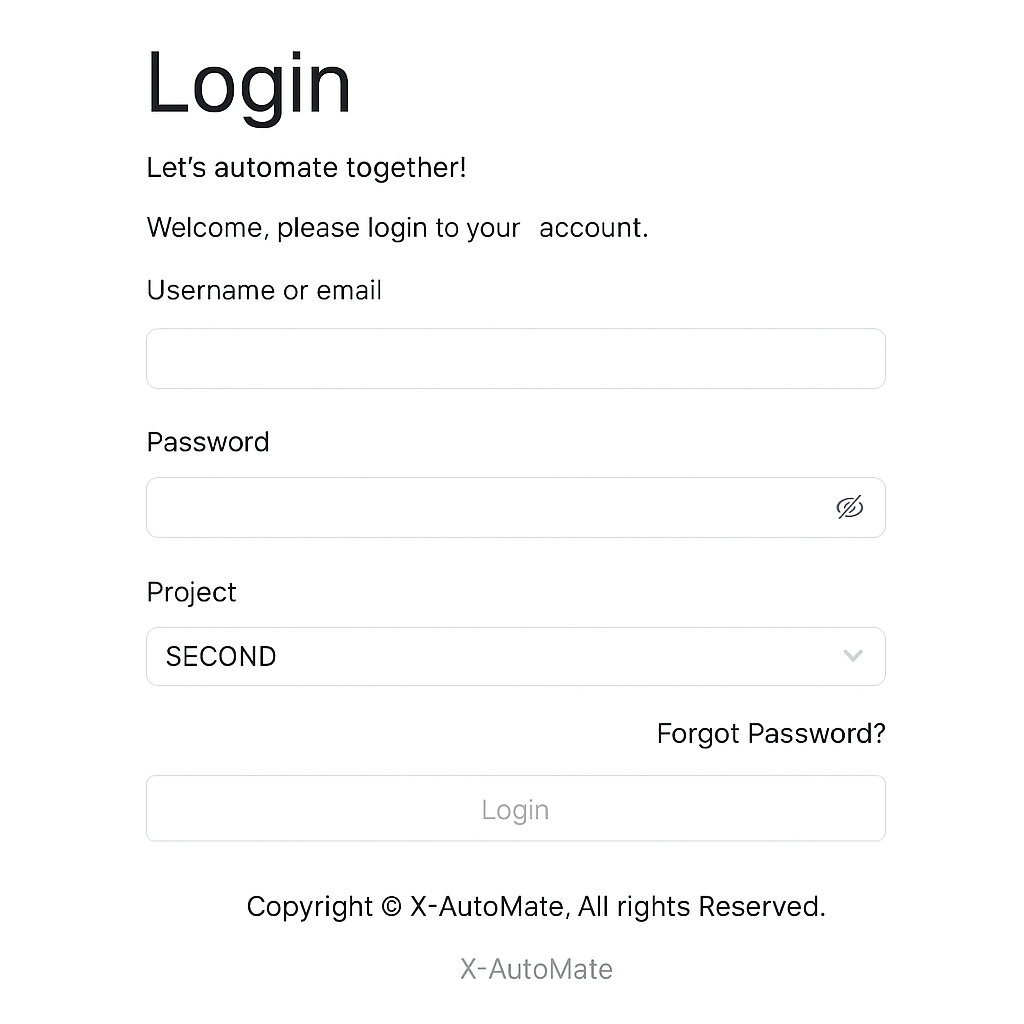
👤 Log In using X-AutoMate Account
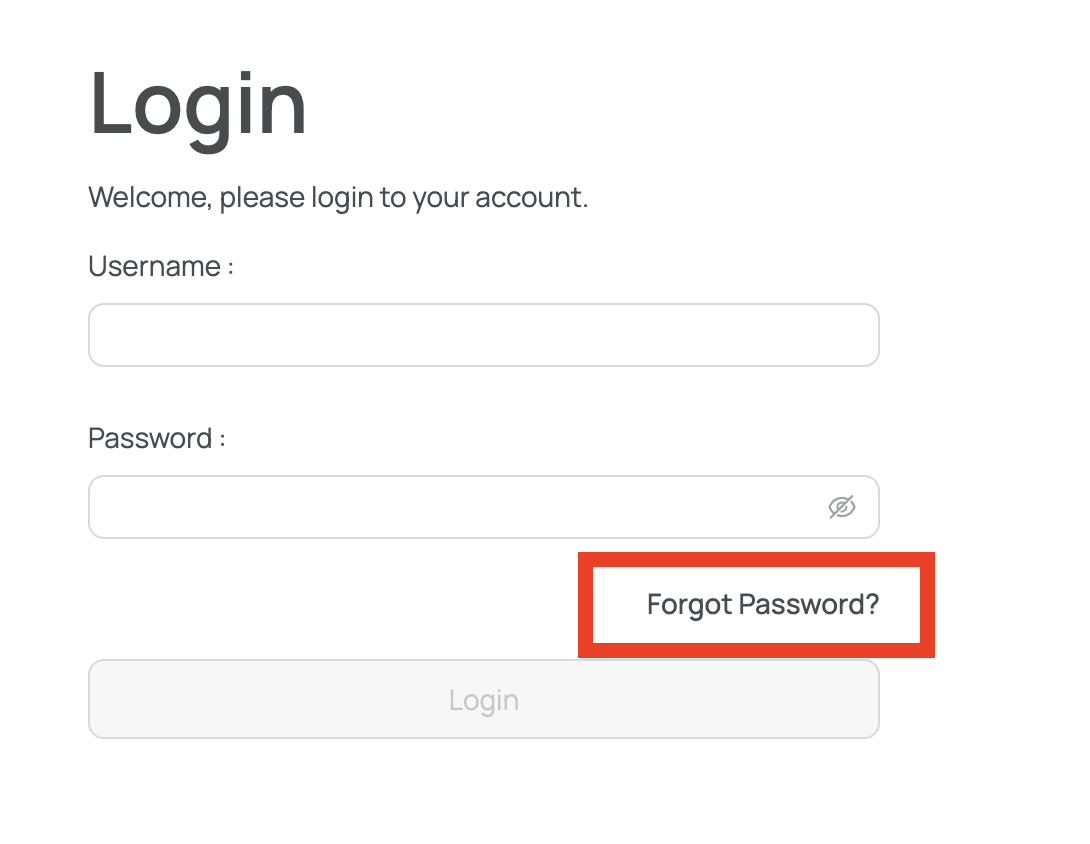
Once you open the X-AutoMate main page, you will be redirected to the login screen.
You can log in using your X-AutoMate account credentials.
If you don't have an account, you can request one from your X-AutoMate account administrator.
Additionally, you will need to select your project before continuing.
🛡️ Log In using LDAP Account
If your organization uses LDAP authentication, you can log in using your LDAP account credentials.
💡 Make sure your X-AutoMate administrator has enabled and configured LDAP integration.
🔁 Password Recovery
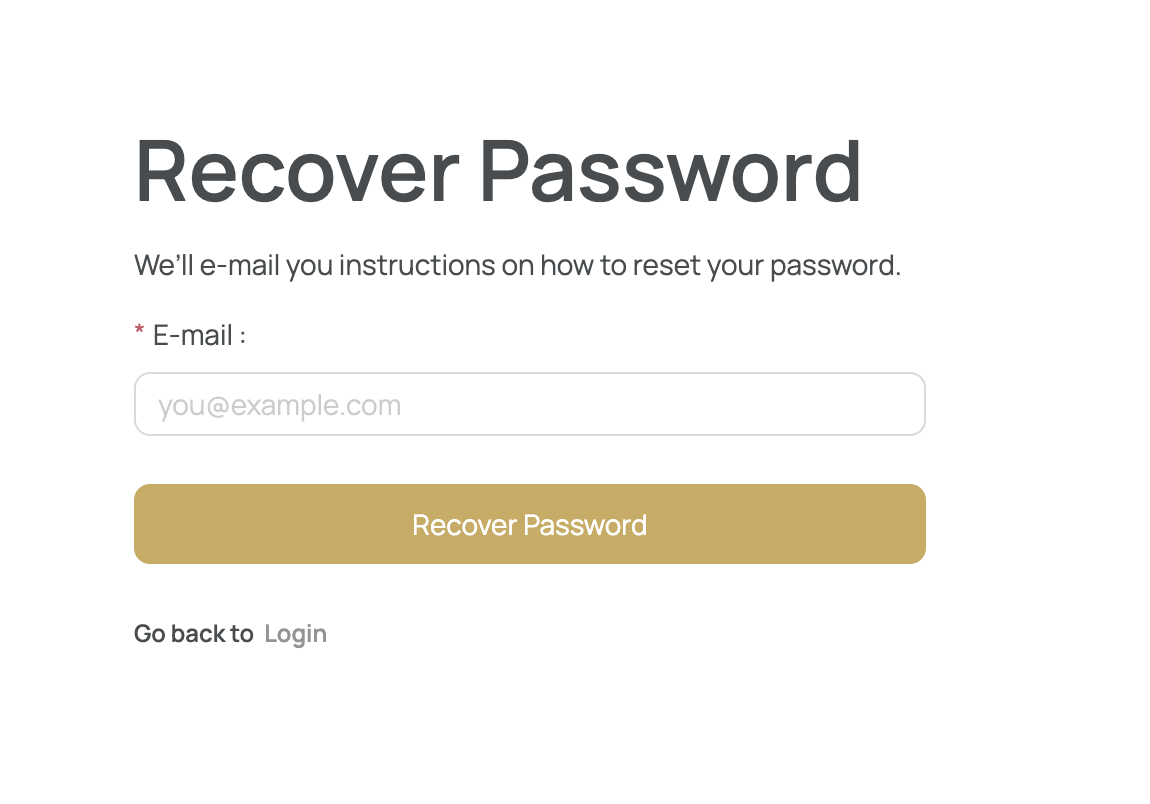
If you forgot your X-AutoMate account password, you can request a new one by clicking the Forgot Password link on the login screen.
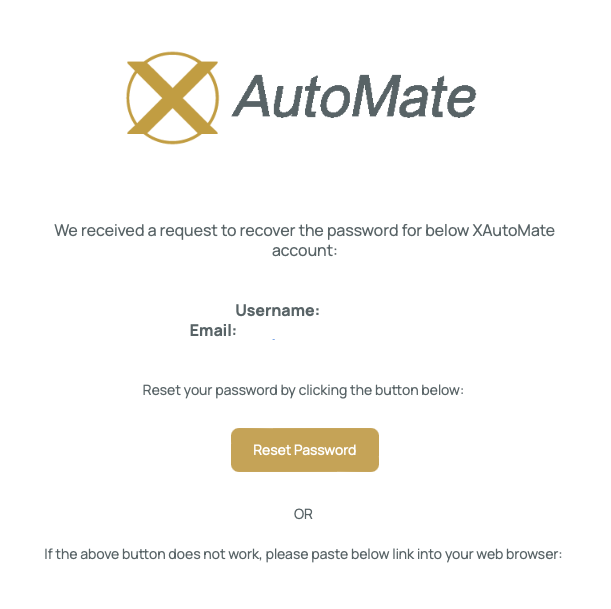
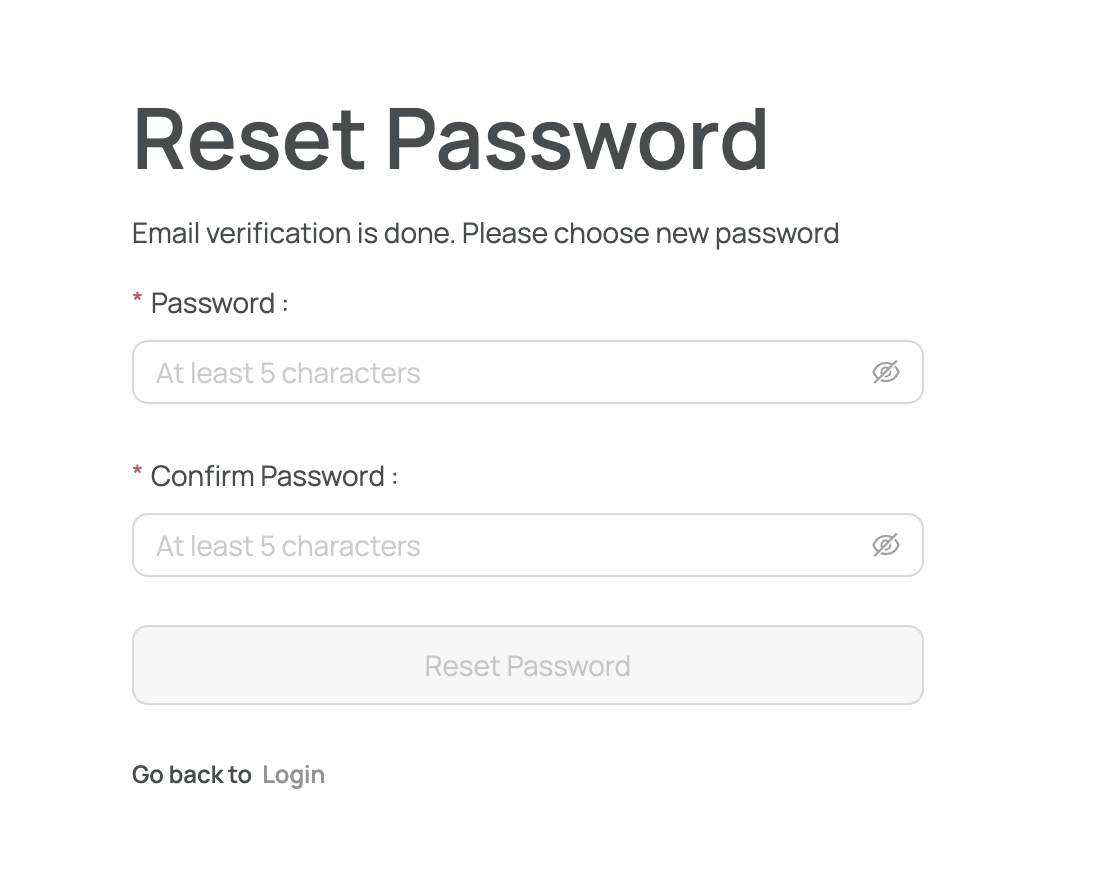
After providing your email address, you will receive instructions via email on how to reset your password.